Make an app
1. Start by making an account by clicking Signup
2. After signup, you can make an application. On the top right of the screen you should see "Create App".
3. Fill the form with the application name, and a unique URL, you're good to go!
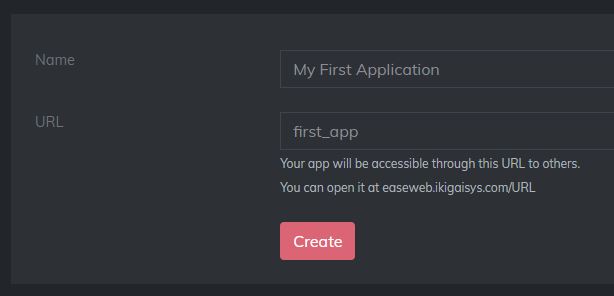
Don't forget the URL, it will be used later.
See it in action
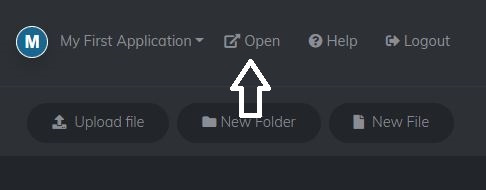
At this point, you'll see that EaseWeb has generated some files for you. You can go ahead and see your application, or upload your own files.
Add Plugins
Now comes the fun part! once your website is ready or uploaded, you can add plugins to enrich this app with features.
Learn how to Add Plugins
Setup a React App
You can also setup a React App or Angular App.