Getting Started
We will use the default react app in this example
npm init react-app my-appAdd a key
"homepage": "." to package.json file.{
"name": "my-app",
"version": "0.1.0",
"private": true,
"homepage": ".",
"dependencies": {
...
},
...
}
npm run build
my-app/build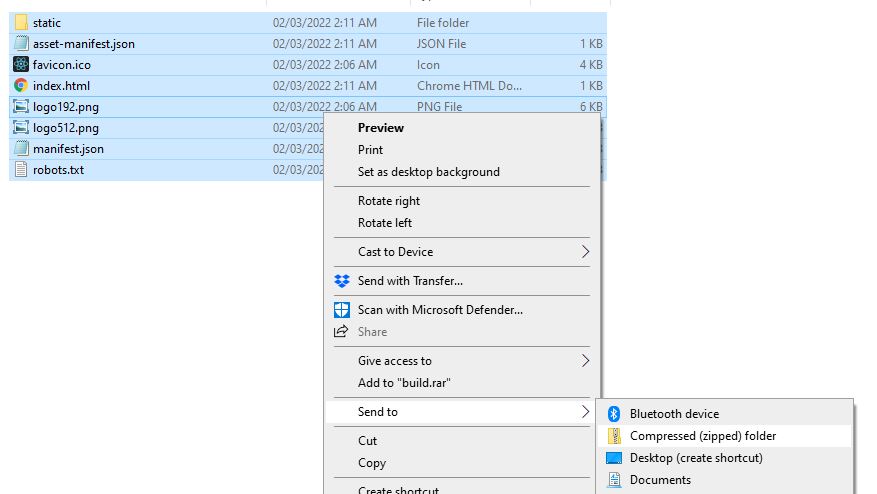
Create a new app on Ease Web. In files, click "Upload" and select your zip. Be sure to check "Unzip after upload"
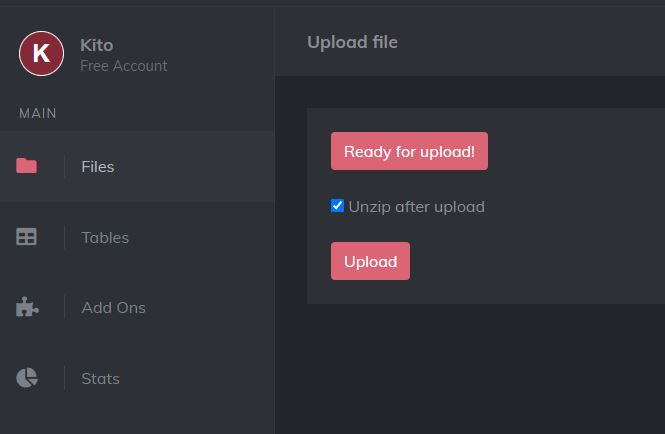
Finally! go to "Settings" and set "Default Page" to
index.html. This will fix routing.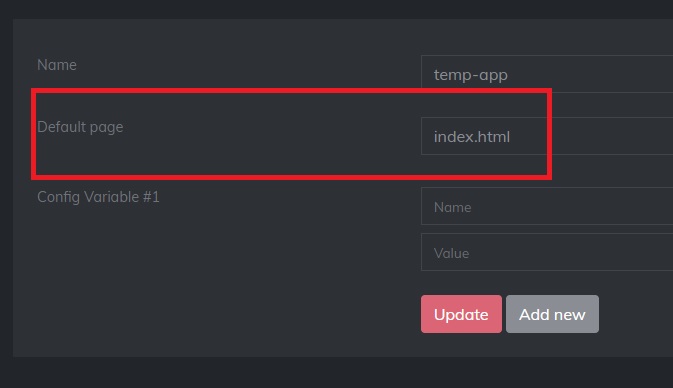
Click
Visit App from the top right corner. You should see your app.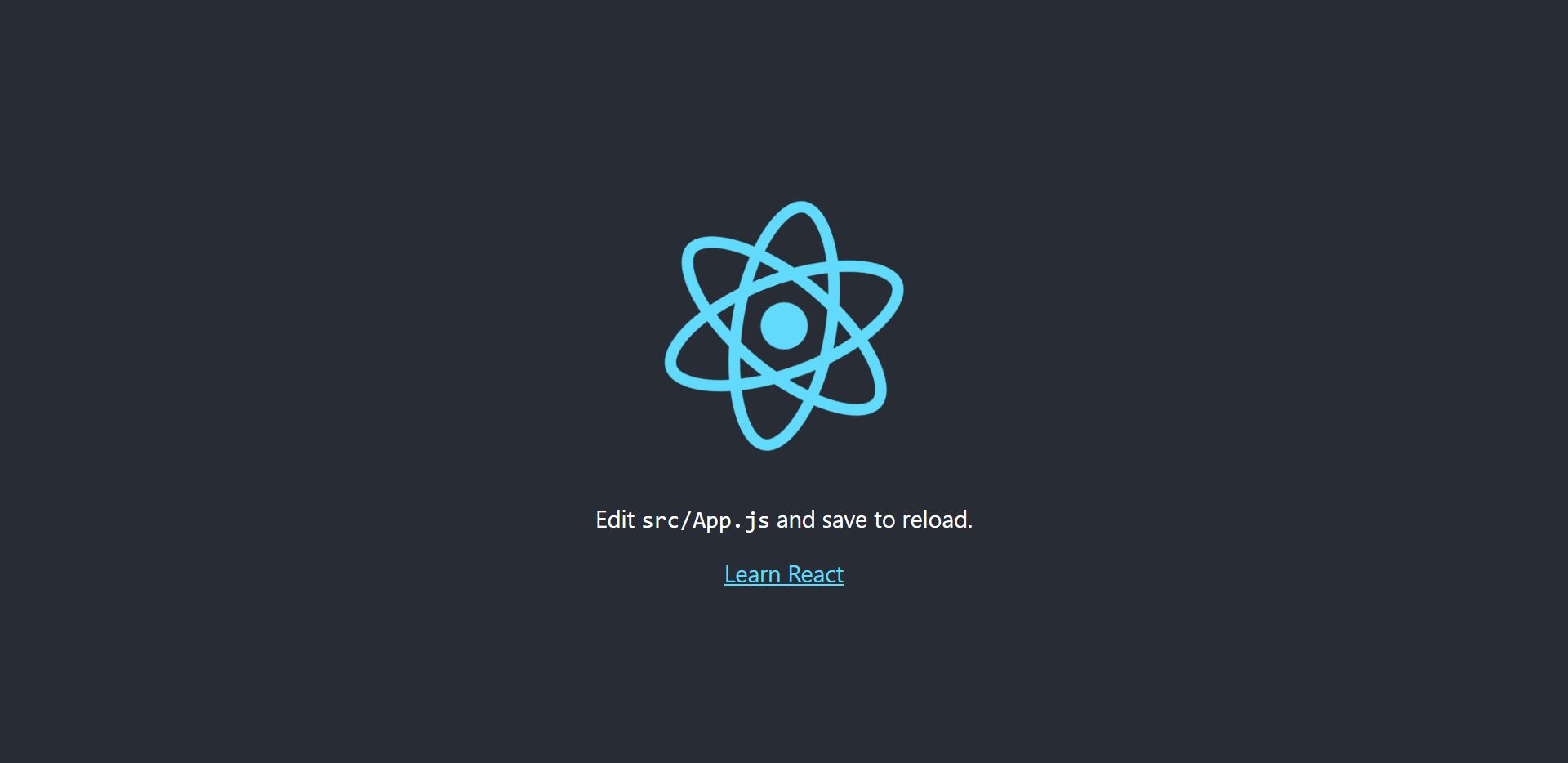
Debugging: If the page appears blank, check if
index.html file appears as a blank page for you by double clicking it on your OS, if it does, the homepage wasn't set correctly in package.json