Getting Started
Plugins are the easiest way to add functionality to your website.
For example, the Contact Us plugin will generate a Contact page for you, which will actually be able to save and see messages submitted by other people on your website.
With plugins, you can extend your app.
Note: the HTML pages for the selected plugins are not generated when a design isn't selected.
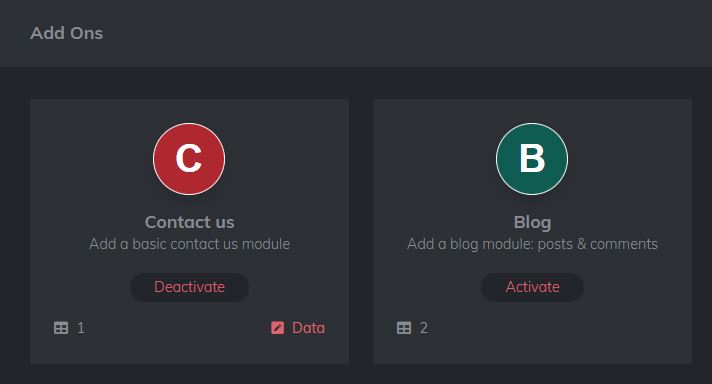
How to use plugins
To add a plugin, go to "Add Ons" tab after creating an app. Click "Activate" on any plugin.
By clicking "Activate" on contact plugin, the HTML file for your design is added to your website, you can now go to /contact.html and fill the form!
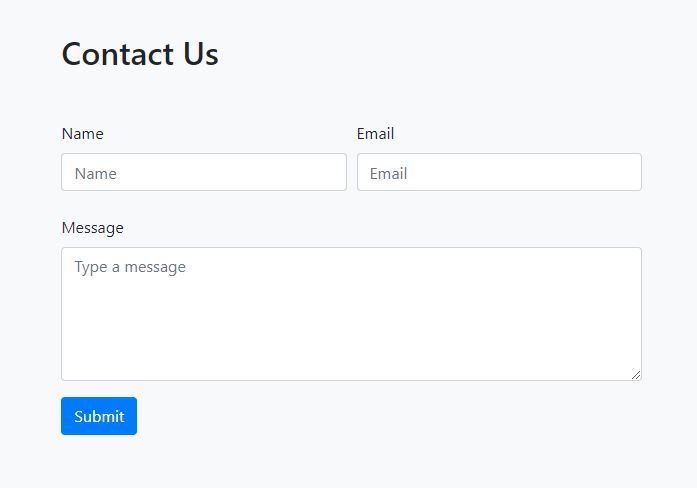
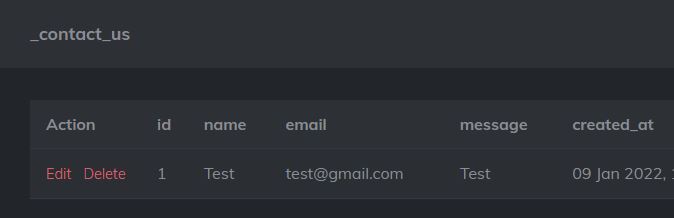
After activation, you will have a "data" option near "deactivate", where you can see the data submitted to the table.
When we fill the information in the form and hit submit, the data can be seen on the page!
To add a plugin, go to "Add Ons" tab after creating an app.
Click "Deactivate" on any plugin.
Make your own Plugins
Advanced users can create their own plugins using basic HTML, HTML Reference